
What's new in Kriya 0.5.2: interactable entities and a smarter Inspector
A runtime Interaction API for talk, open, and pick-up gameplay, entity properties that filter by component, and cleanup work in the Animation panel.
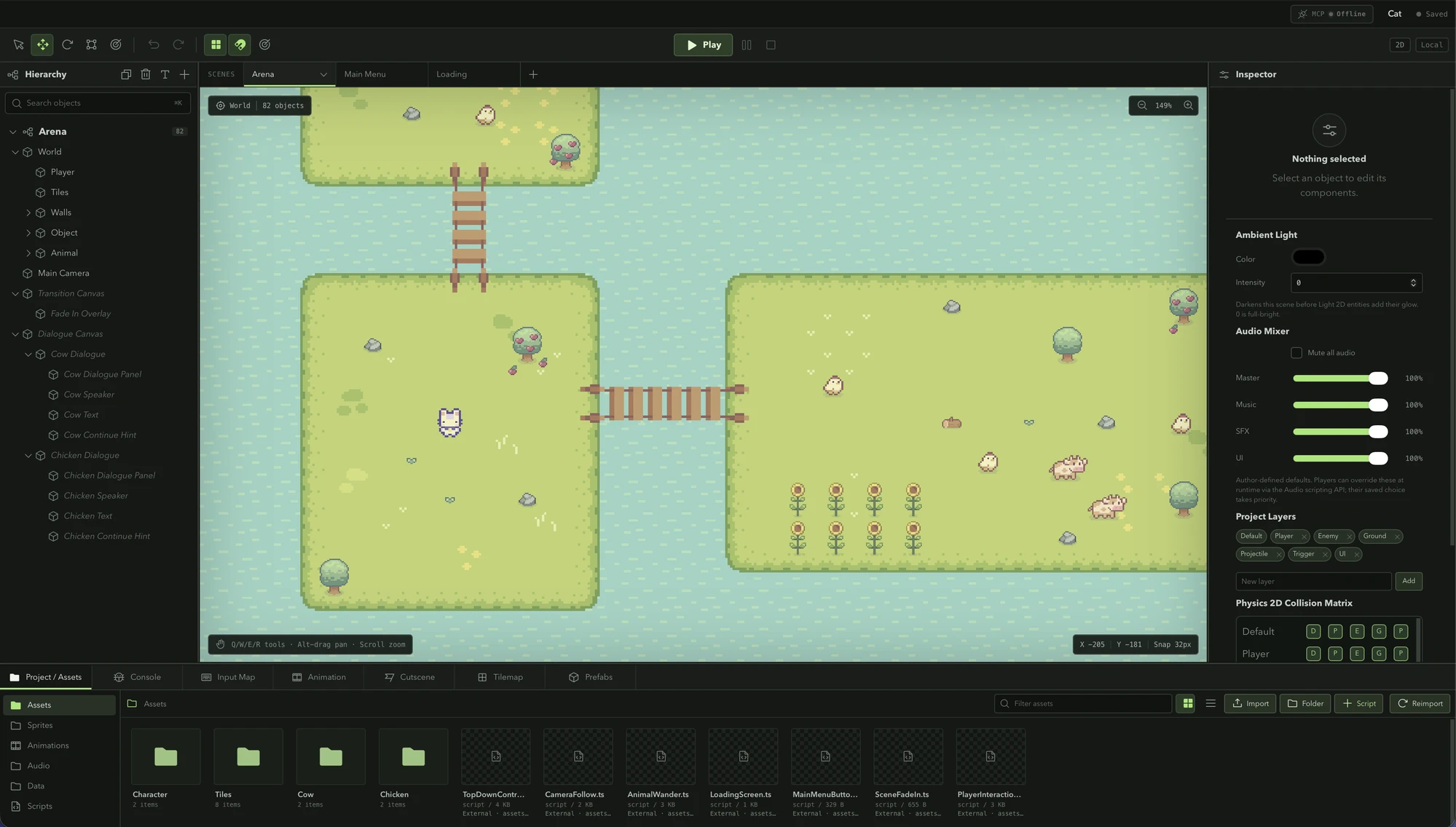
0.5.2 is mostly about removing boilerplate that every project ends up writing anyway: distance checks for “press E to talk,” entity dropdowns that let you pick the wrong kind of target, and an Animation panel that made a clip harder to delete than it should have been.
An Interactable component and a runtime Interaction API
An NPC, a door, and a chest all need the same handful of things: a prompt, a range the player has to be inside, and a way to break ties when two targets overlap. Previously that logic got rewritten per script. Now it’s a component.
@property({ type: "entity", label: "Door" })
door: Entity | null = null;

update() {
  const target = Interaction.findNearest(this.entity, { maxDistance: 96 });
  if (target && Input.getActionDown("Interact")) {
    Interaction.trigger(target.entity, this.entity);
  }
}
Interactable carries a prompt, a semantic action string, an interactionDistance, and a priority — set directly from its own Inspector card. Interaction.findNearest walks the scene and picks the highest-priority target in range, breaking ties by distance; Interaction.tryInteract does the find-and-trigger in one call. A trigger fires an interaction event on the target entity and an interaction:trigger event on the global bus, so a dialogue script and a quest tracker can both react to the same interaction without either one owning the distance check.
Entity properties that know what they’re pointing at
An @property({ type: "entity" }) field used to list every entity in the scene, including ones that obviously couldn’t be the right target — picking a Sprite Renderer for a field meant to hold a dialogue box was a mistake the Inspector let you make. A new component option on @property scopes the dropdown to entities that actually carry that component:
@property({ type: "entity", label: "Dialogue Box", component: "DialogueBox" })
dialogue: Entity | null = null;
The cutscene trigger template already ships with this on its dialogue box reference. The Inspector reads the constraint straight from the script’s own source when a project’s cached metadata predates the option, so older scripts pick it up without a resave.
Cleaning up the Animation panel
Deleting an animation clip used to leave dangling references behind — an Animator controller state still pointing at a clip ID that no longer existed. The panel now has a real “Delete animation” button that clears every reference across the project in one pass: the clip itself, any asset tied to it, and every Animator controller state that used it gets reset to no clip, instead of quietly holding a broken ID. It’s the same category of fix that centralizing the component registry surfaced in 0.5.1, applied to animation clips specifically.
The sprite animation timeline also got a clip switcher built into its own toolbar, so jumping between clips no longer means leaving the timeline view first. And clicking empty space in the preview now clears the selected frame instead of always forcing frame zero back into view.
Where this leaves things
None of this changes how a scene is structured — an Interactable is still just a component, and a scoped entity property is still just a @property option. It’s the same pattern the editor keeps leaning on: give a script author the constraint up front, in the Inspector, instead of letting a bad reference surface as a runtime bug later.